Blog

Lightning Cable Not Charging iPhone Fix: Causes and Solutions
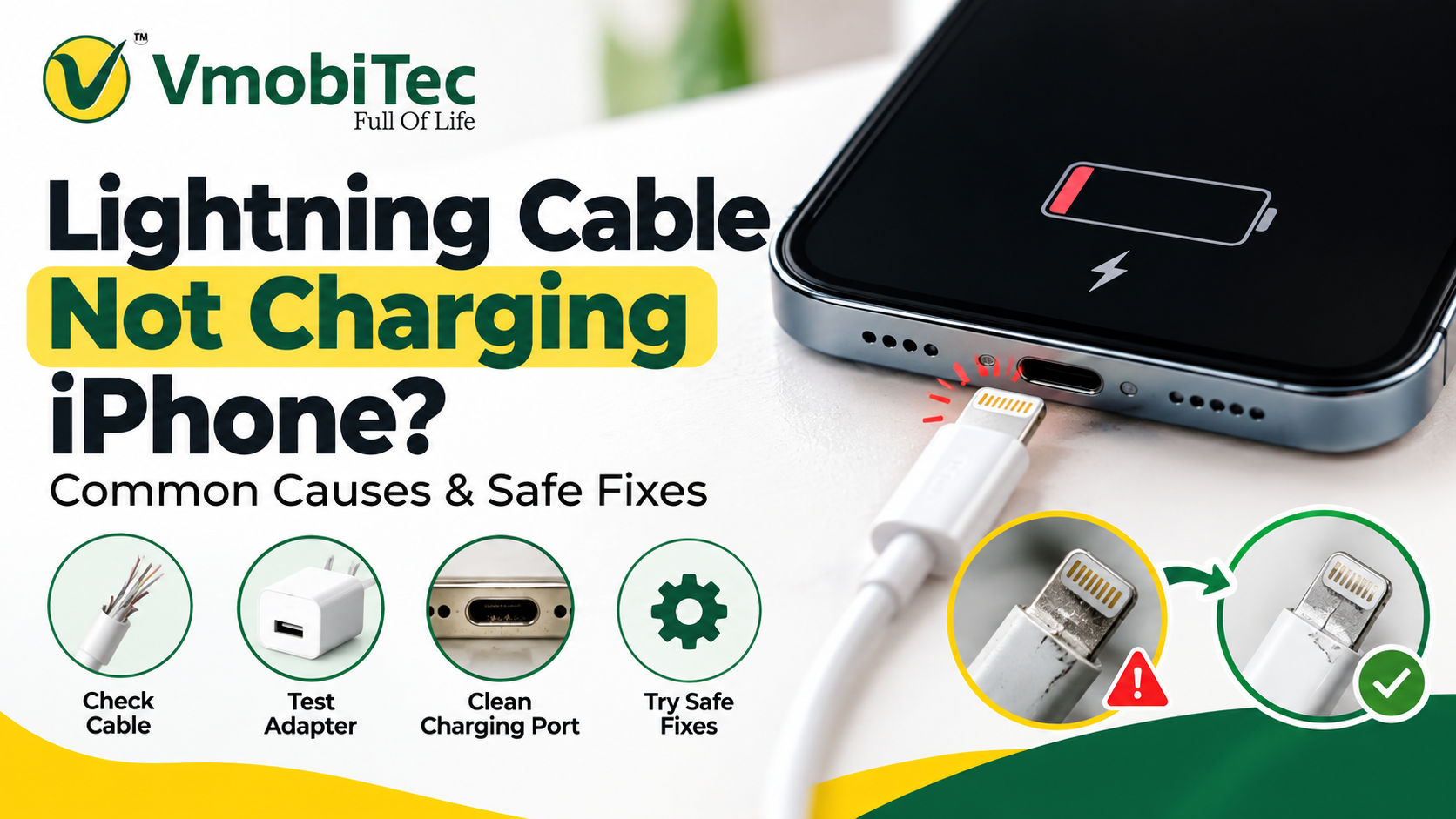
If your Lightning cable is not charging your iPhone, first check the cable for damage, clean the iPhone’s Lightning port carefully, and try a different power adapter or outlet. Restart the iPhone and check for moisture or debris in the connector.lightning cable not charging iPhone fix If another cable charges the phone normally, the original cable likely needs replacement. If the iPhone still does not charge with a known-good cable and adapter, the charging port, battery, or other hardware may need professional inspection.
A charging cable that suddenly stops working can be frustrating, especially when your iPhone needs power immediately. If you’re searching for a lightning cable not charging iPhone fix, the problem may come from the Lightning connector, charging port, cable damage, power adapter, debris, software, or the iPhone itself.
The good news is that many charging problems can be identified with a few simple checks. Before replacing the cable, inspect the connector, clean the charging port carefully, test another power source, and check whether the iPhone displays a charging warning. This guide explains the most common causes and practical troubleshooting steps.
Why Is My Lightning Cable Not Charging My iPhone?
A lightning cable not charging iPhone fix usually starts with identifying whether the problem comes from the cable, iPhone Lightning port, power adapter, or electrical source.
A Lightning cable carries both power and data between compatible Apple devices and accessories. When charging fails, a damaged connector, bent contact, worn cable, dirty port, incompatible accessory, or faulty power adapter can interrupt the connection.
Apple also uses software and accessory checks that can affect charging behaviour. An iPhone may show an alert when an accessory isn’t supported or when moisture is detected in the connector.
Common Causes of Lightning Charging Problems
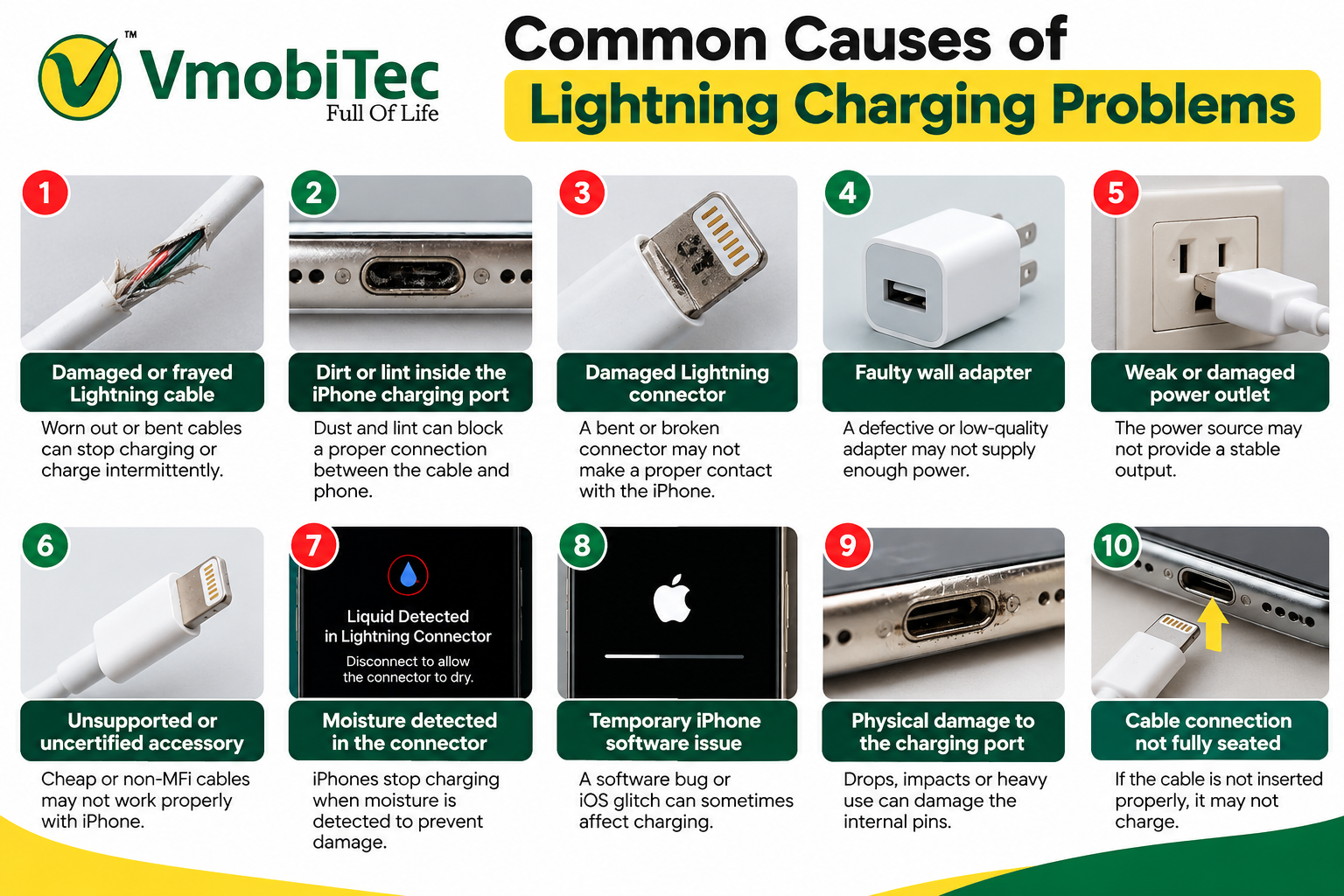
The most common causes include:
- Damaged or frayed Lightning cable
- Dirt or lint inside the iPhone charging port
- Damaged Lightning connector
- Faulty wall adapter
- Weak or damaged power outlet
- Unsupported or uncertified accessory
- Moisture detected in the connector
- Temporary iPhone software issue
- Physical damage to the charging port
- Cable connection not fully seated
Start with the simplest checks before assuming the iPhone needs repair.
Lightning Cable Not Charging iPhone Fix: Check the Cable First
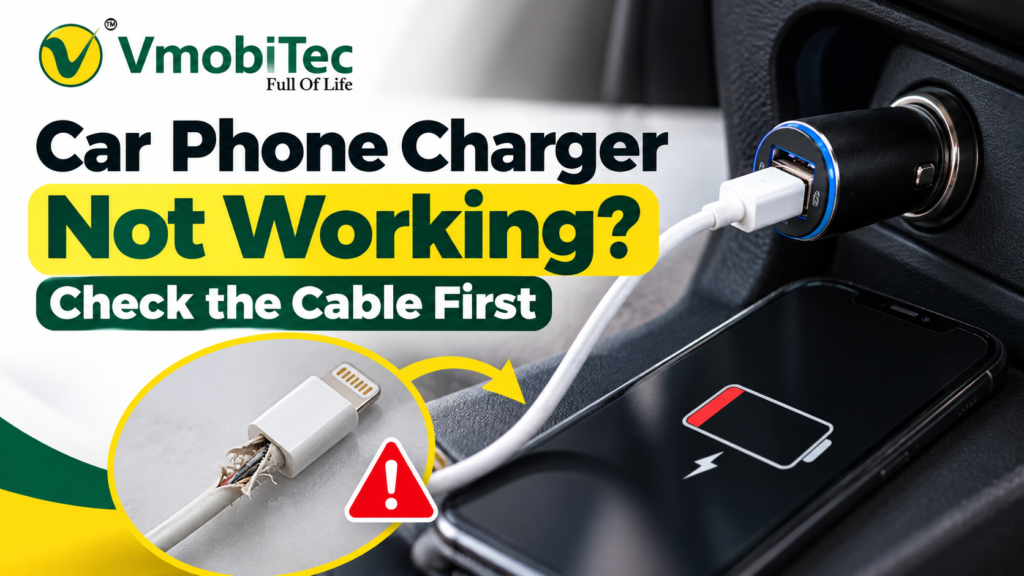
The cable should be the first component you inspect because repeated bending, pulling, and everyday use can cause internal or connector damage.
Look closely at both ends of the cable. Check for exposed wires, cracks, bent metal contacts, discoloration, loose connector housings, or visible damage near the strain-relief sections.
A cable may look normal externally while having an internal break. Testing the same iPhone with another known-good Lightning cable is one of the quickest ways to isolate the problem.
Test Another Lightning Cable
Connect a second compatible Lightning cable to the same iPhone and charger.
If the second cable charges the iPhone normally, the original cable is likely the source of the problem. If neither cable works, continue testing the adapter, power source, and iPhone charging port.
For everyday use, choosing a properly specified Lightning charging cable can help reduce connection and charging problems caused by poor-quality accessories.
Check the iPhone Charging Port if lightning cable not charging iPhone fix
A dirty Lightning port is another common reason an iPhone may not charge correctly.
Pocket lint, dust, and other small particles can accumulate inside the port. Even a small amount of debris can prevent the Lightning connector from making proper contact.
Turn off the iPhone if practical and inspect the port under good lighting. If debris is visible, clean it carefully using a method recommended for electronic devices.
Avoid forcing objects into the port or using metal tools that could damage the contacts.
Signs of a Dirty Lightning Port lightning cable not charging iPhone fix
Look for:
- Cable that doesn’t fully insert
- Loose connection
- Charging that starts and stops
- Charging only when the cable is held at a particular angle
- Visible lint or debris
- Accessory connection problems
If the connector feels unusually loose after cleaning and testing another cable, the port itself may require professional inspection.
Try a Different Power Adapter and Outlet
Sometimes the Lightning cable isn’t the problem at all. A faulty power adapter or wall outlet can prevent the iPhone from receiving power.
Connect the Lightning cable to another compatible power adapter. You can also test a different wall outlet to determine whether the electrical source is causing the issue.
For USB-C power adapters, make sure the adapter provides an appropriate charging output for the connected device and cable.
Testing the complete charging chain is more reliable than replacing the cable immediately.
Charging chain:
Wall outlet → Power adapter → Lightning cable → iPhone
If charging works after replacing one component, you’ve narrowed down the source of the problem.
Check for Moisture in the Lightning Connector
Moisture can prevent an iPhone from charging through the Lightning connector. Apple devices may display a liquid-detection warning when moisture is detected in the connector.
If you see a liquid-detection alert, disconnect the cable and allow the connector and device to dry naturally.
Do not insert foreign objects into the charging port to speed up drying. Avoid using external heat sources such as hair dryers because excessive heat can damage electronic components.
If the warning continues after the connector has had sufficient time to dry, follow Apple’s current support guidance or seek professional assistance.
Restart the iPhone and Try Charging Again
A temporary software issue can sometimes affect charging behaviour.
Restart the iPhone and reconnect the cable after the device has fully restarted. This simple step can help rule out temporary system behaviour before moving to hardware troubleshooting.
If the iPhone is completely unresponsive, connect it to a known-good charger and allow it some time before attempting other troubleshooting steps.
For persistent problems, check the iPhone’s software version and Apple’s support guidance for the specific model.
Check Whether the iPhone Shows a Charging Symbol
The charging indicator provides useful information during troubleshooting.
When the iPhone recognises a compatible power connection, the battery interface normally indicates that charging is taking place. If there is no response, test another cable, adapter, and outlet.
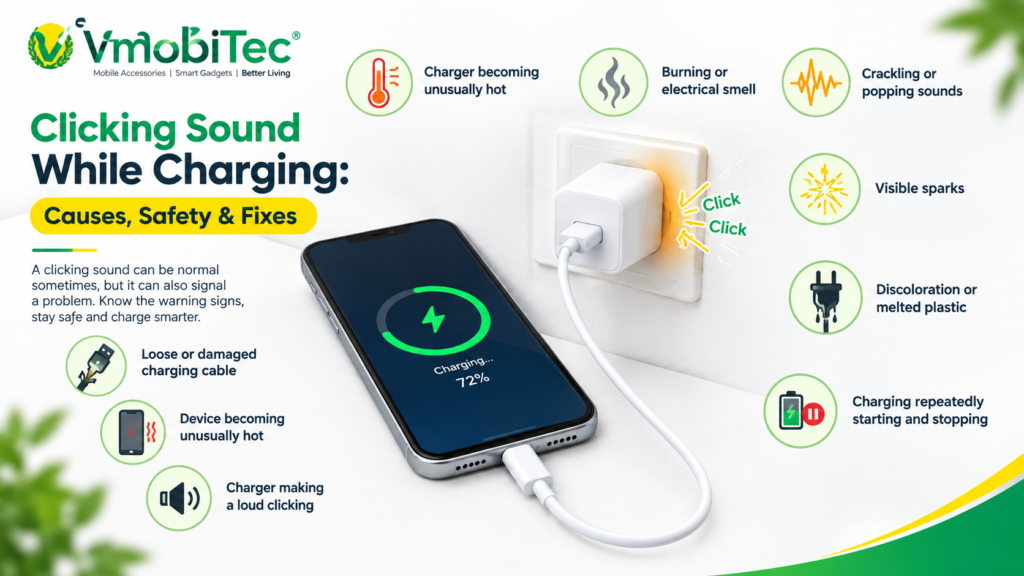
If charging starts and then stops repeatedly, the issue could involve the cable connection, charging port, power source, temperature, or accessory.
If the phone becomes unusually hot or shows signs of physical damage, disconnect the charger and investigate the issue before continuing to charge.
Lightning Cable Not Charging iPhone: Compare the Possible Causes
A structured comparison can help identify the likely source of the problem.
| Symptom | Possible Cause | Recommended Check |
|---|---|---|
| No charging at all | Cable, adapter or port | Test another cable and adapter |
| Charging starts and stops | Loose connection or debris | Inspect cable and port |
| Cable only works at an angle | Damaged cable or port | Test another cable |
| “Accessory not supported” alert | Accessory compatibility | Try a certified compatible accessory |
| Liquid detected warning | Moisture | Disconnect and allow to dry |
| Very slow charging | Adapter, cable or power source | Test another charging setup |
| Cable feels loose | Port or connector issue | Inspect port and cable |
| No response with multiple cables | Possible iPhone hardware issue | Seek professional inspection |
The symptoms can overlap, so testing individual components is more useful than assuming one cause.
How to Fix a lightning cable not charging iPhone fix
A safe troubleshooting process can identify most basic charging issues without immediately replacing the iPhone or charging accessories.
Step 1: Inspect the Lightning Cable
Check the cable for fraying, cuts, bent connectors, exposed wires, or signs of overheating.
Do not continue using a cable with exposed internal wires or significant physical damage.
Step 2: Test Another Cable
Use a known-good compatible Lightning cable with the same iPhone and adapter.
If the second cable works, replace the damaged or unreliable cable.
Step 3: Inspect the Lightning Port
Use good lighting to check whether lint or debris is blocking the connector.
Do not force sharp or metallic objects into the port.
Step 4: Test Another Adapter
Connect the working cable to another compatible power adapter.
This helps determine whether the wall charger rather than the cable is causing the issue.
Step 5: Try Another Wall Outlet
Plug the charger into a different functioning outlet.
A faulty outlet or loose connection can sometimes appear to be a cable problem.
Step 6: Restart the iPhone
Restart the device and reconnect the charging cable.
This can rule out temporary software behaviour.
Step 7: Check for Moisture Alerts
If the iPhone reports liquid detection, disconnect the cable and allow the connector to dry naturally.
Step 8: Check for Physical Damage
Inspect the charging port, cable, and adapter for damage.
If multiple known-good cables and adapters fail, professional inspection may be appropriate.
When Should You Replace a Lightning Cable?
A Lightning cable should be replaced when it has visible damage, unreliable charging, loose connectors, exposed wires, or repeated connection failures.
A cable that works only when bent or positioned at a particular angle should not be treated as a reliable long-term charging solution. Continued use of damaged cables can also create unnecessary electrical and heat-related risks.
When buying a replacement, consider connector quality, cable construction, compatibility, length, charging requirements, and the manufacturer’s specifications.
For VMobiTec customers, the VMobiTec Lightning charging cable range can be considered when looking for mobile charging accessories for compatible devices.
How to Choose a Replacement Lightning Cable lightning cable not charging iPhone fix
The right replacement cable should match the device and charging setup rather than simply being the cheapest available option.
Check Connector Compatibility
Confirm that the cable has a Lightning connector designed for your iPhone or compatible Apple device.
Check Charging Capability
A cable should be appropriate for the charging setup you’re using. The power adapter, cable, and device work together to determine charging performance.
Consider Cable Construction
Braided or reinforced cable designs can provide additional durability for users who frequently bend or carry their charging cables.
Check Certification and Compatibility
For Apple devices, users should consider cables that meet relevant compatibility requirements and come from reputable manufacturers.
Choose the Right Length
A 1-metre cable can work well for desks and bedside charging. Longer vmobitec cables may be useful when the power outlet is farther away.
Lightning Cable vs Charger: Which One Is the Problem?
A useful troubleshooting method is to change only one component at a time.
For example, keep the same iPhone and wall outlet while testing another cable. If the issue remains, test another adapter. This controlled approach helps identify the faulty component.
| Test | Component Changed | What the Result Tells You |
|---|---|---|
| Test 1 | Cable | Identifies cable-related issues |
| Test 2 | Adapter | Identifies charger-related issues |
| Test 3 | Outlet | Identifies power-source issues |
| Test 4 | iPhone port | Identifies device-side problems |
| Test 5 | Complete setup | Confirms overall compatibility |
This approach is faster and more reliable than replacing every accessory at once.
Benefits of Using a Reliable Lightning Charging Cable
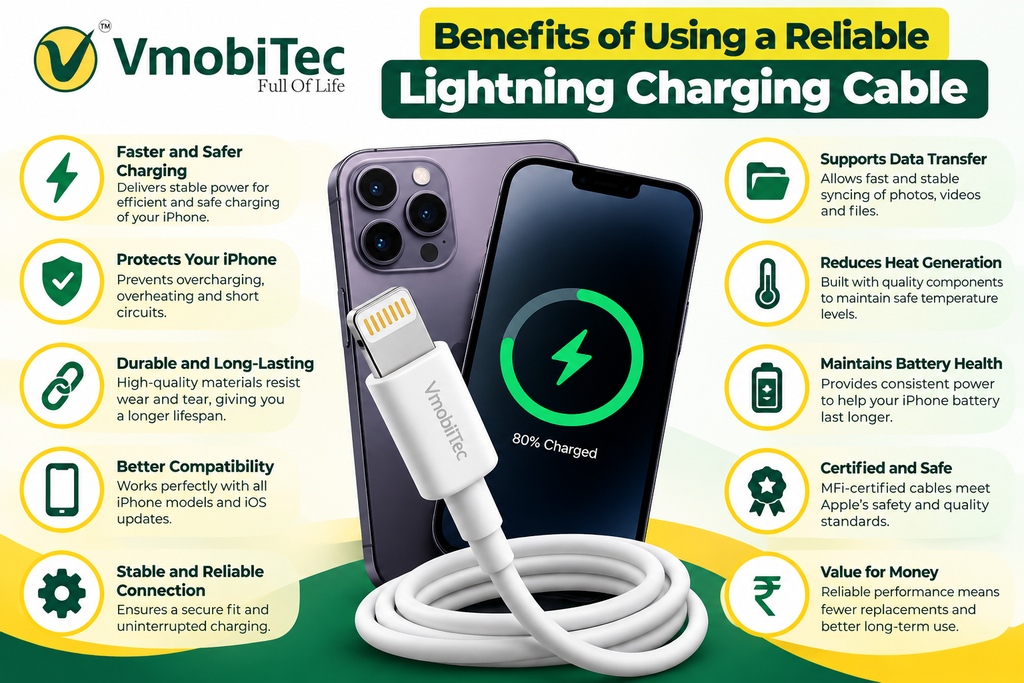
A suitable cable supports more consistent everyday charging and reduces common connection problems.
- Stable connection: A properly manufactured connector can provide a more reliable physical connection.
- Everyday durability: Stronger cable construction can better handle repeated bending and carrying.
- Charging compatibility: A suitable cable works with the requirements of the connected device and adapter.
- Better convenience: Reliable charging reduces interruptions during work, travel, and daily use.
- Reduced replacement frequency: Durable cables can provide better long-term value when used correctly.
- Multiple length options: Different cable lengths allow users to choose based on their charging setup.
Common Mistakes That Can Damage Lightning Cables
Many cable failures come from everyday handling rather than normal charging itself.
Pulling the Cable From the Wire
Always disconnect a cable by holding the connector rather than pulling the cable itself.
Bending the Connector Sharply
Repeated sharp bends near the Lightning connector can place stress on the internal conductors and outer insulation.
Using Damaged Cables
A frayed or exposed cable should be replaced instead of continuing to use it.
Leaving Cables Under Heavy Objects
Pressure can damage the cable internally even when the outside still looks intact.
Storing Cables in Tight Knots
Extreme bends and tight knots can shorten cable life. Store charging cables in loose loops instead.
When Is Professional iPhone Repair Necessary?
Professional inspection may be appropriate when the iPhone doesn’t charge with multiple known-good cables, adapters, and power sources.
Persistent charging failure can indicate a damaged Lightning port, battery issue, internal hardware problem, or other device-level fault.
Seek professional assistance if the device has suffered liquid exposure, physical impact, overheating, or visible charging-port damage. Avoid repeatedly forcing a connector into a damaged port.
Frequently Asked Questions About Lightning Cable Not Charging iPhone Fix
Q: Why is my Lightning cable not charging my iPhone?
A: A Lightning cable may fail to charge an iPhone because of cable damage, debris in the charging port, a faulty adapter, a damaged outlet, moisture, accessory compatibility issues, or an iPhone hardware problem. Testing another compatible cable and adapter helps identify whether the cable is actually responsible.
Q: How do I fix a Lightning cable that is not charging my iPhone?
A: Start by inspecting the cable and connector for damage. Test another compatible Lightning cable, power adapter, and wall outlet. Check the iPhone charging port for debris and watch for moisture alerts. If multiple known-good charging accessories fail, the iPhone may need professional inspection.
Q: Why does my iPhone charge with one Lightning cable but not another?
A: If an iPhone charges with one Lightning cable but not another, the non-working cable may be damaged, worn, incompatible, or have a poor connector connection. Inspect the cable for physical damage and replace it if charging remains unreliable. Testing the cable with another compatible device can provide additional confirmation.
Q: Can dust stop a Lightning cable from charging an iPhone?
A: Yes. Dust, lint, and other debris inside the Lightning port can prevent the connector from making proper contact. Inspect the port carefully under good lighting and clean it using safe methods. Avoid forcing sharp or metallic objects into the port because they can damage the connector contacts.
Q: Why does my iPhone say the accessory is not supported?
A: An accessory-not-supported warning can occur when the connected accessory is incompatible, damaged, or not properly recognised by the iPhone. Try disconnecting and reconnecting it, then test another compatible cable. If the warning consistently appears with one accessory, replacing that accessory may resolve the problem.
Q: Can a damaged Lightning cable damage an iPhone?
A: A severely damaged charging cable should not be used because exposed conductors, damaged insulation, loose connectors, or overheating can create safety and reliability concerns. Replace visibly damaged cables instead of continuing to bend or reposition them to make charging work.
Q: How do I know whether the Lightning cable or iPhone is faulty?
A: Test the iPhone with a known-good compatible Lightning cable, power adapter, and wall outlet. If the iPhone charges normally with the replacement cable, the original cable is likely the problem. If several known-good charging setups fail, the iPhone’s port or internal hardware may require inspection.
Q: Should I replace my Lightning cable if it only charges at an angle?
A: Yes, a cable that only charges at a particular angle may have a damaged connector or internal conductors. Repeatedly bending or positioning the cable to maintain charging can worsen the damage. Test another compatible cable and replace the unreliable one if the replacement works normally.
Final Takeaway lightning cable not charging iPhone fix
The most effective lightning cable not charging iPhone fix is to troubleshoot the entire charging chain rather than immediately replacing the iPhone. Check the Lightning cable, charging port, power adapter, wall outlet, moisture alerts, and device software systematically.
If another compatible cable solves the problem, replacing the damaged cable is usually the practical next step. For persistent charging failure across multiple known-good accessories, professional iPhone inspection may be necessary.
If your Lightning cable is not charging your iPhone, checking the cable, power adapter, charging port, and iPhone settings can help identify the problem. Apple recommends checking the cable for damage, trying another power source, removing debris from the charging port, restarting the iPhone, and trying a different cable or charger if necessary. For the complete troubleshooting steps, refer to Apple’s official guide on what to do if your iPhone won’t charge.
For everyday charging, choose a reliable VMobiTec Lightning charging cable that matches your device and charging setup, and handle the cable carefully to extend its usable life.