
Blog
One Side Earbuds Not Working ? 5-Step TWS Fix

One Side Earbuds Not Working? Here’s the 5-Step TWS Fix
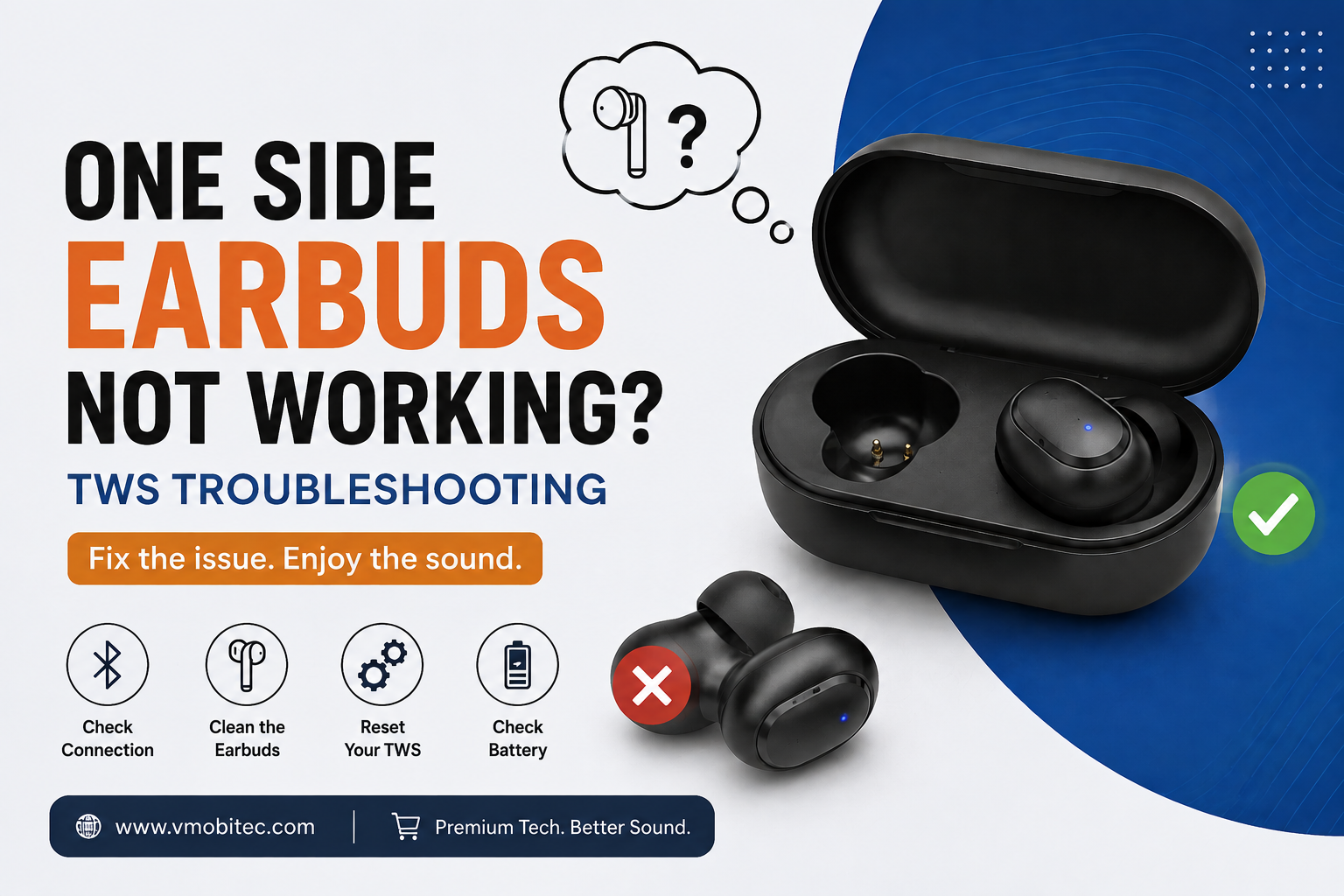
One side earbuds not working is the single most common complaint with true wireless earbuds, and in my experience troubleshooting audio gear, it’s rarely a dead speaker. It’s almost always a sync, charging, or connection issue you can fix in under ten minutes. Here’s exactly why one side earbuds stop working and the five-step process that resolves it most of the time.
Why Are One Side Earbuds Not Working While the Other Plays Fine?
One side earbuds not working usually means the two buds lost their wireless sync link, one bud’s battery contacts got dirty, or a driver fault developed in a single unit. It’s almost never both speakers failing at once — that asymmetry is the clue.
True wireless earbuds don’t connect to your phone as one device. One bud (usually the “master” or primary) connects to your phone via Bluetooth, then relays audio to the second bud (“slave” or secondary) over a separate short-range link — typically Bluetooth or NFMI (Near-Field Magnetic Induction). When that secondary link drops, breaks, or never establishes, you get one side earbuds not working while the other plays normally.
The Three Root Causes, Ranked by Frequency
In the units I’ve seen come back for troubleshooting, sync and pairing failures account for the majority of one side earbuds not working cases. Charging contact issues — oxidation, debris, worn pins — come second. Actual hardware failure, like a blown driver or damaged flex cable, is the least common cause, even though it’s what people assume first.
Step 1: Reset the Bluetooth Pairing Completely
Don’t just reconnect — forget the device and re-pair from scratch. A partial or corrupted pairing profile is the number one cause of one side earbuds not working, and a quick reconnect often just re-establishes the same broken link.
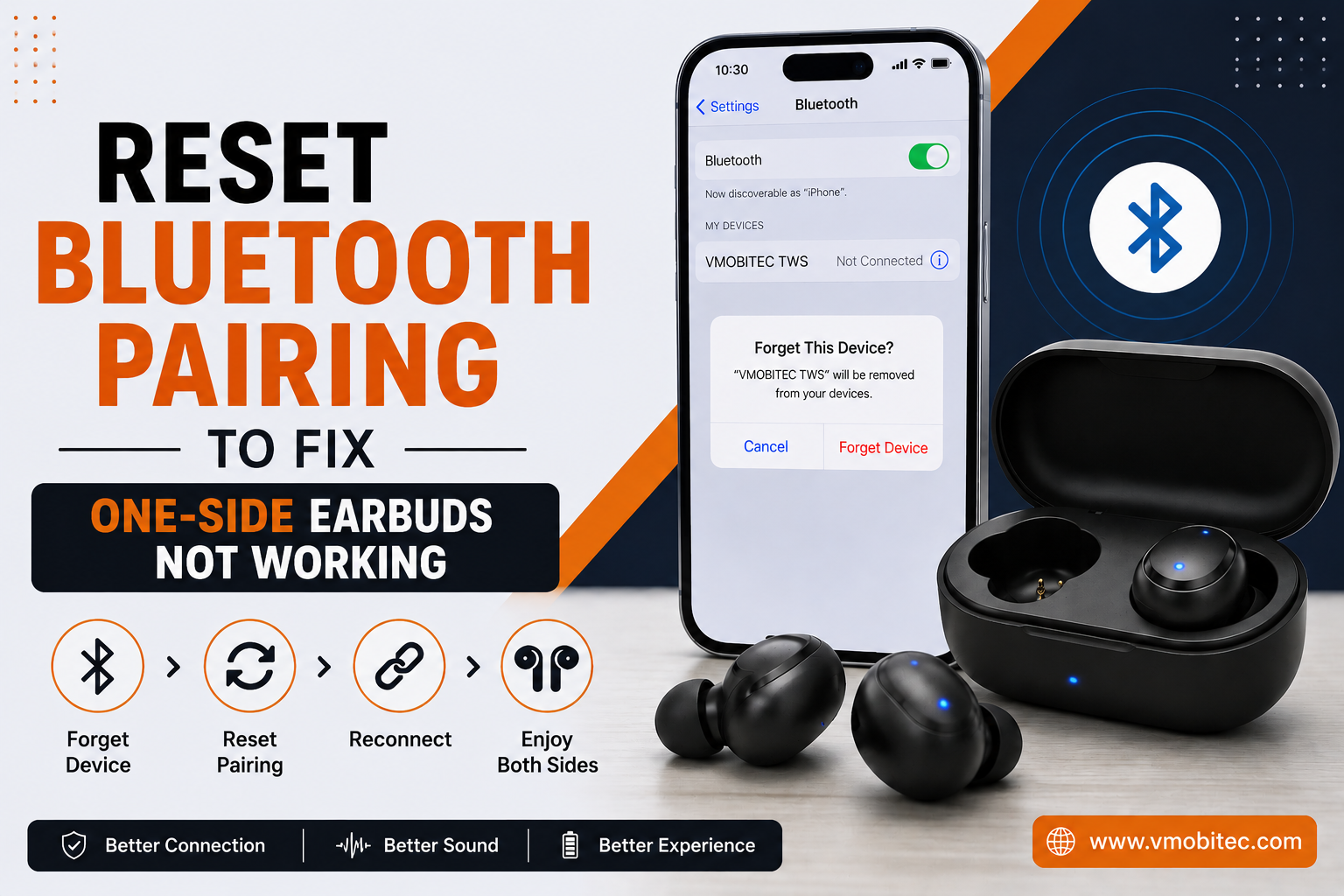
- Forget the earbuds in your phone’s Bluetooth settings menu, not just disconnect.
- Place both buds back in the case and close the lid for 10 seconds — this forces a full power cycle.
- Reopen the case and hold the pairing button (or use the case’s sync button) until the LED flashes to indicate pairing mode.
- Re-pair from your phone’s Bluetooth list as if it were a brand-new device.
- Test both ears with music or a call before moving to the next step.
This resolves one side earbuds not working immediately in a large share of cases, particularly after a firmware update or when switching between multiple paired devices.
Step 2: Clean the Charging Contacts
Corroded or dirty charging pins are the second-biggest cause of one side earbuds not working — a bud with a partially charged or unresponsive battery won’t sync properly even if the pairing itself is fine.
Use a dry cotton swab or soft-bristled brush (an old toothbrush works) on the gold or silver contact pins inside the case and on the earbud itself. Skin oils, earwax, and pocket lint build up on these contacts over weeks of use and block the electrical connection needed for charging and boot-up.
What to Avoid When Cleaning
Never use water, alcohol wipes, or compressed air directly on the charging pins — moisture ingress is a leading cause of permanent corrosion damage. A dry swab and gentle pressure are enough for 90% of buildup.
Step 3: Check Battery Levels on Both Buds Independently
One side earbuds not working is frequently a dead-battery problem disguised as a sync problem — the “silent” bud simply ran out of charge faster than its pair due to uneven wear.
Most earbud apps (or your phone’s Bluetooth settings on iOS and Android) show individual battery percentages for the left and right bud. If one shows 0% or fails to report a percentage at all, that’s your answer — it needs a full charge cycle, not a re-pair.
Why Batteries Wear Unevenly
Lithium-ion batteries in earbuds degrade unevenly over 12–18 months of regular use, and the more frequently used bud — often the primary/master side — tends to lose capacity faster, which is a common hidden cause of one side earbuds not working months down the line.
Step 4: Update Firmware and Reset to Factory Settings
Outdated firmware is an underrated cause of one side earbuds not working, especially after a phone’s OS update changes how it handles Bluetooth codecs like AAC or aptX.
- Open the manufacturer’s companion app if one exists for your earbuds.
- Check for a firmware update and install it with both buds in the case and charging.
- If no update is available, locate the factory reset combination (commonly holding both touch sensors for 8–10 seconds until LEDs flash red, though this varies by model).
- Re-pair from scratch following Step 1 after the reset completes.
Factory resets clear corrupted internal pairing data that a standard “forget device” won’t touch, since that data lives on the earbud’s own chipset, not your phone.
Step 5: Test for Hardware Failure
If sync resets, cleaning, and firmware updates don’t fix one side earbuds not working, you’re likely looking at a genuine hardware fault — a damaged driver, a cracked flex cable, or a failed Bluetooth chip in that single unit.
Swap the silent bud into the opposite ear (left case slot to right, right to left) if your case allows it. If the silence follows the physical unit rather than the ear side, the fault is in that bud, not your phone or the pairing. At this point, replacing the single bud (many brands sell single left/right replacements) is usually more practical than repair, since internal driver replacement isn’t cost-effective on consumer-grade TWS hardware.
Quick Diagnostic Comparison for One Side Earbuds Not Working
| Cause | Key Symptom | Fix |
|---|---|---|
| Sync/pairing failure | Both buds show charge, only one plays sound | Forget device, full re-pair |
| Dirty charging contacts | Bud won’t hold charge or boot | Clean pins with dry swab |
| Battery drain | One bud shows 0% or won’t report % | Full charge cycle, monitor degradation |
| Outdated firmware | Dropout after phone OS update | Update firmware, factory reset |
| Hardware fault | Silence follows the physical unit | Replace single bud |
Run through these in order — each step is faster and less invasive than the next, so you rule out the easy fixes before assuming the worst.
Why One Side Earbuds Not Working Happens More on Some TWS Models
- Master-slave architecture: Earbuds relying on a single bud (often the right) as the Bluetooth master are more prone to secondary-bud dropout than true dual-connection designs, since a break in the secondary link kills one side entirely.
- NFMI vs Bluetooth relay: Buds using NFMI for inter-bud communication tend to have shorter effective range between the two units, so a bud sitting slightly further from its pair (in a pocket, under hair) can lose sync more easily.
- Case battery health: A weakening charging case can under-deliver power to one slot, leaving that bud chronically undercharged even though it looks “fully charged” on the LED indicator.
- Firmware mismatch: If one bud updates and the other doesn’t sync the update properly, you get a version mismatch that manifests as one side earbuds not working until both are aligned.
Frequently Asked Questions About One Side Earbuds Not Working
Q: Why does my left earbud keep cutting out but not the right?
A: This usually points to a weaker sync link on the secondary (non-master) bud, dirty charging contacts on that specific unit, or a battery that’s degraded faster than its pair. Start with a full re-pair, then check that bud’s battery percentage individually.
Q: Can one earbud go bad while the other stays fine?
A: Yes. Each bud has its own driver, battery, and often its own Bluetooth or NFMI chip, so hardware failure in one unit doesn’t affect the other. This asymmetry is the main diagnostic clue behind one side earbuds not working.
Q: Does cleaning the charging case actually fix one side earbuds not working?
A: Often, yes. Corroded or debris-covered charging pins prevent a full charge or proper power-on sequence for one bud, which can look identical to a sync failure. Clean pins are step one before assuming hardware damage.
Q: How do I know if it’s a software issue or a hardware issue?
A: Swap the silent bud into the opposite case slot and ear. If the silence stays with the physical bud regardless of side, it’s hardware. If sound returns when swapped, it’s a sync, software, or connection issue.
Q: Will a factory reset fix one earbud not working?
A: A factory reset fixes it when the cause is corrupted internal pairing data, which a simple “forget device” on your phone doesn’t clear. It won’t help if the cause is a dead battery or physical driver damage.
Q: Is it normal for one earbud to drain faster than the other?
A: Some drain imbalance is normal, especially on the master/primary bud, which does more Bluetooth processing work. A gap of more than 15–20% between buds after a full charge suggests one battery is degrading faster and may need eventual replacement.
Final Verdict: Fixing One Side Earbuds Not Working
Most cases of one side earbuds not working come down to a broken sync link or dirty contacts, not a dead speaker — work through the re-pair, clean, charge-check, and firmware steps before writing off the unit as broken. Genuine hardware failure is real but far less common than people assume, and swapping the bud between case slots is the fastest way to confirm it. If you’ve run through all five steps and the silence persists in the same physical unit, replacement of that single bud is the practical next move.
