
Blog
Charger Overheating Fix & Safety Tips | VMobitec

Charger Overheating Fix: Causes, Solutions and Safe Charging Tips
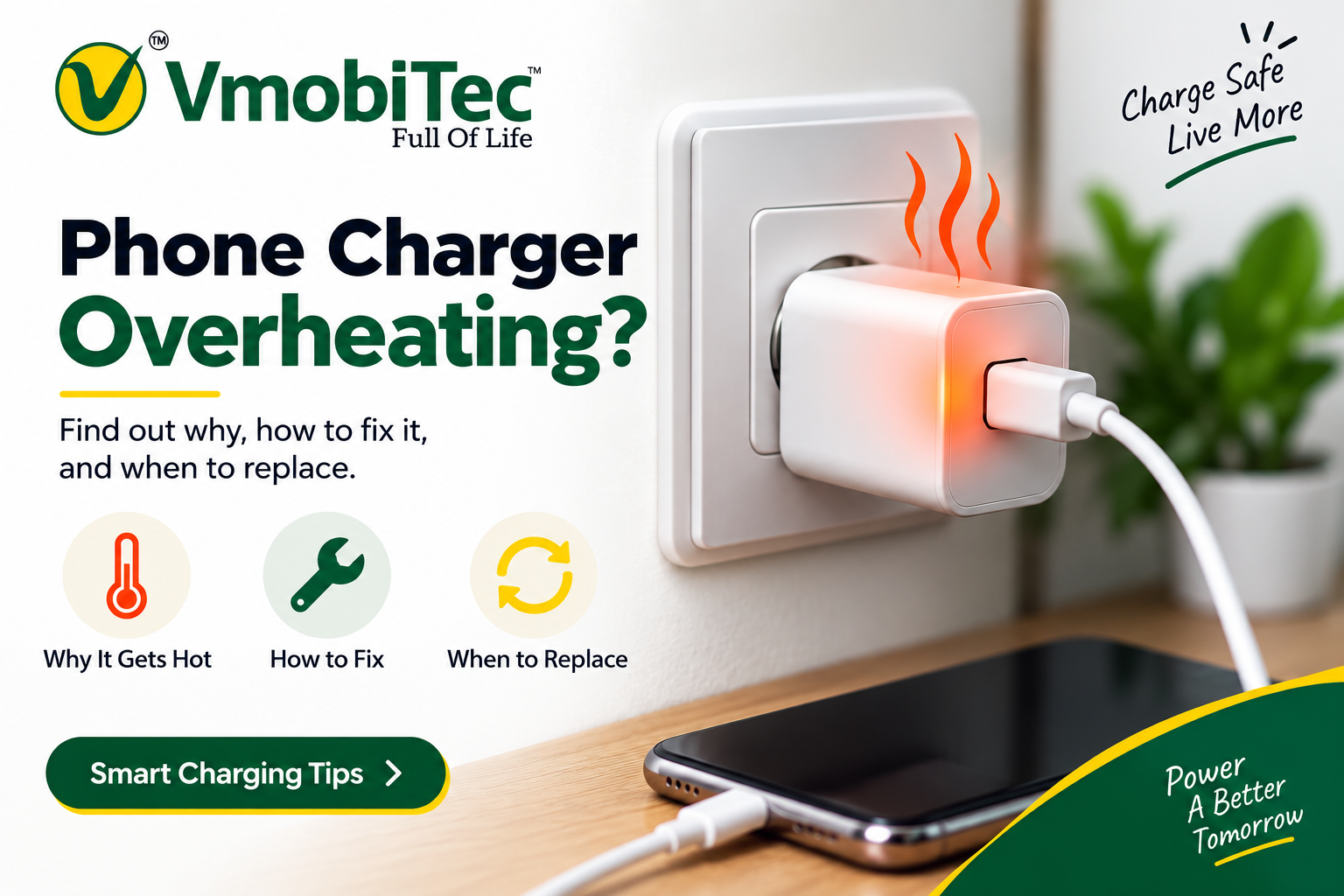
A charger overheating fix starts with finding out whether the excessive heat is coming from the charger, charging cable, phone, charging port, wall socket, or surrounding environment. Some warmth is normal during charging, especially with fast-charging adapters, but a charger that becomes extremely hot, smells burnt, sparks, smokes, or shows physical damage should not be ignored. This guide explains why chargers overheat, how to fix common causes safely, when you should replace a charger, and what to check when buying a new charger online in India.
Quick AI Overview: Charger Overheating Fix
A charger overheating fix includes unplugging the charger, allowing it to cool, checking the cable and adapter for damage, improving ventilation, and using a compatible charger and cable. Do not cover a charger while it is operating or continue using one that produces smoke, sparks, burning smells, melting, or repeated excessive heat.
Why Does My Charger Get Hot?
A charger gets warm because its electrical components generate heat while converting and delivering power to your device. Higher charging loads, poor ventilation, damaged cables, high room temperatures, and faulty adapters can increase the heat.
A warm charger is not necessarily defective. The concern is when the temperature becomes unusually high or is accompanied by warning signs such as a burning smell, discoloration, cracking, buzzing, sparks, or smoke.
Google’s charger safety guidance also explains that chargers generate heat during normal operation, while advising users to stop using a charger if it becomes excessively hot or damaged.
Common Causes of Charger Overheating
Understanding the cause makes a charger overheating fix much easier. The most common causes include poor airflow, damaged cables, incompatible accessories, high charging loads, hot surroundings, and damaged power adapters.
1. Poor Ventilation
A charger needs adequate airflow to release heat.
If you place a charger underneath:
- A pillow
- Blanket
- Mattress
- Clothing
- Sofa cushion
- Other enclosed materials
heat can build up around the adapter.
Keep the charger on a hard, open surface while charging. Google specifically advises against covering chargers with blankets or pillows and recommends good ventilation during charging.
2. Damaged Charging Cable
A charging cable can become a source of excessive heat when it is worn, damaged, bent, or poorly connected.
Check for:
- Frayed insulation
- Exposed wires
- Bent connectors
- Loose USB-C connectors
- Melted sections
- Burn marks
- Discoloration
If the cable becomes unusually hot, replace it with a compatible, good-quality cable.
3. Faulty Power Adapter
An old or damaged power adapter may overheat even when the phone and cable are working correctly.
Physical damage can result from:
- Dropping the adapter
- Crushing it
- Bending the plug
- Liquid exposure
- Excessive heat
- Internal component failure
Do not open a charger to investigate the internal components. Electrical Safety First advises against dismantling or attempting to repair faulty USB chargers.
4. High Room Temperaturecharger overheating fix
The surrounding environment can affect charging temperature.
This is particularly relevant during hot weather in India. Charging a phone inside a hot car, near direct sunlight, or in a poorly ventilated room can increase heat.
Keep chargers away from:
- Direct sunlight
- Hot vehicles
- Heating appliances
- Closed cabinets
- Other heat sources
Google recommends keeping chargers away from heat sources and direct sunlight.
5. Fast Charging charger overheating fix
Fast charging can produce additional heat because the charging system may operate at higher power levels.
That does not mean fast charging is automatically unsafe.
A compatible charger and device are designed to manage charging according to supported charging protocols and power requirements.
The important point is to use a charger and cable that are appropriate for your phone rather than choosing a charger only because it has a high wattage rating.
6. Using the Phone Heavily While Charging
Sometimes the charger is not the main source of heat.
Gaming, video recording, navigation, video calls, streaming, hotspot use, and other demanding activities can make the phone warmer while it is charging.
Google notes that resource-intensive activities can increase phone temperature, particularly when performed while charging.
If your phone is getting hot:
- Stop demanding applications.
- Disconnect the charger if necessary.
- Move the phone to a cooler location.
- Allow it to return to a normal temperature.
7. Charging Port Problems
Dust, moisture, debris, or physical damage around the charging port can interfere with the connection.
Never force a charging connector into a port.
If the charging port appears damaged, wet, or contaminated, stop using the setup and consider professional inspection.
8. Poor-Quality or Counterfeit Chargers
The quality of the charger matters.
Substandard or counterfeit chargers may not provide the expected level of electrical protection or construction quality.
Electrical Safety First recommends researching chargers before buying and purchasing from reputable retailers. It also advises avoiding substandard and counterfeit USB chargers.
Charger Overheating Fix : What Should You Do First?
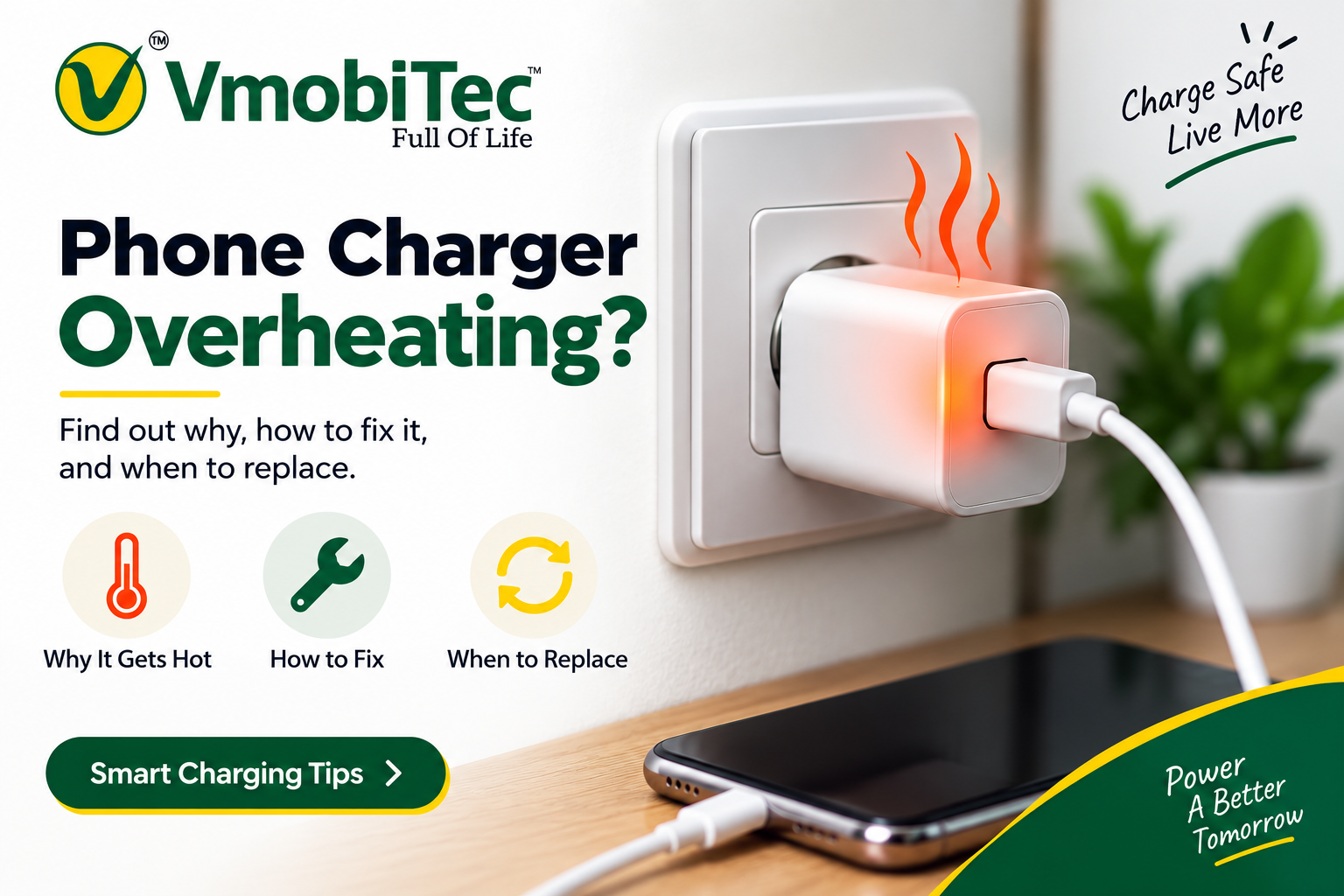
The first step is simple: stop charging and disconnect an excessively hot charger from the power source. Allow the charger and phone to cool naturally before troubleshooting.
Follow these steps.
Step 1: Unplug the Charger
Disconnect the charger from the wall socket and the phone.
If the charger is extremely hot, do not continue charging simply because it starts cooling after being disconnected.
Step 2: Let the Charger Cool
Place the charger in a cool, dry and ventilated area.
Do not try to rapidly cool it using water, a refrigerator, ice, or another extreme method.
Google recommends disconnecting an excessively hot charger, moving it to a cooler location and not using it until it has cooled.
Step 3: Inspect the Adapter
Look carefully for:
- Cracks
- Melting
- Burn marks
- Discoloration
- Damaged plug pins
- Loose parts
- Burning smell
If the charger has physical damage, stop using it.
Step 4: Check the Charging Cable
Inspect both ends of the cable.
If the cable is damaged or unusually hot, replace it with a compatible cable.
Step 5: Check the Wall Socket
A hot charger may sometimes be related to the electrical outlet.
Watch for:
- Burning marks
- Buzzing
- Crackling
- Loose connections
- Excessive socket temperature
- Tripped breakers
Electrical Safety First recommends checking chargers, plugs and sockets for burn marks, arcing sounds, or excessive heat.
Step 6: Improve Airflow
Move the charger to a hard, open surface.
Avoid charging on:
- Beds
- Pillows
- Blankets
- Sofas
- Clothing
- Enclosed drawers
Step 7: Test With a Compatible Cable
If the adapter itself looks fine, testing it with another compatible cable can help identify whether the cable is contributing to the problem.
If the adapter repeatedly overheats, replace it rather than continuing to use it.
Is It Normal for a Charger to Get Warm?
Yes. Some charger warmth is normal during operation.
Electrical components generate heat while converting and delivering power. The important distinction is between normal warmth and excessive heat.
You should pay closer attention when the charger:
- Becomes extremely hot
- Produces a burning smell
- Makes unusual buzzing or crackling sounds
- Sparks
- Produces smoke
- Shows melting
- Has visible damage
Electrical Safety First recommends unplugging a charger immediately if you notice unusual smells, sparks, smoke, swelling, cracks, or other damage.
How to Prevent Charger Overheating
The easiest charger overheating fix is often prevention. Good charging habits can reduce unnecessary heat and extend the useful life of charging accessories.
Keep Your Charger Uncovered
Never cover an active charger with a blanket, pillow, towel, clothing, or other material.
Use a Compatible Charger
Check the charging requirements of your phone before buying an adapter.
Consider:
- Wattage
- Voltage
- Current
- USB-C compatibility
- USB Power Delivery
- PPS support where applicable
- Device compatibility
Use a Suitable Charging Cable to avoide charger overheating fix
A high-power charger should be paired with a cable suitable for the charging system.
Avoid visibly damaged or poorly fitting cables.
Keep Charging Away From Direct Sunlight
Direct sunlight can increase the temperature of both the phone and charger.
Apple recommends avoiding direct sunlight and hot environments when charging an iPhone.
Avoid Heavy Phone Usage While Charging
If possible, avoid demanding gaming, long video recording sessions and other intensive activities while the phone is charging.
Keep Liquids Away
Do not use a charger that has been exposed to liquid unless it has been appropriately assessed or replaced.
Google warns that liquid exposure can cause short circuits and overheating.
Charger Overheating vs Phone Overheating
A common mistake is assuming that the charger is always responsible for the heat.
The phone, cable, charger, charging port, or wall socket could be responsible.
| What Gets Hot? | Possible Cause | What to Check |
|---|---|---|
| Charger adapter | High load, poor ventilation or faulty adapter | Adapter and airflow |
| Charging cable | Damaged cable or connection | Cable and connectors |
| Phone | Heavy usage or high temperature | Apps, case and environment |
| Charging port | Debris, moisture or damage | Port condition |
| Wall socket | Loose or faulty electrical connection | Socket and electrical system |
| Wireless charger | Alignment or foreign objects | Charging position and surroundings |
Apple explains that an iPhone may slow or pause charging when its temperature becomes too high.
Can Fast Charging Cause charger overheating fix ?
Fast charging can generate additional heat, but fast charging itself does not mean a charger is unsafe.
The complete charging system matters:
Power source → charger → cable → phone → battery
The phone determines how much power it can accept, while charging protocols help manage the power transfer.
A 65W charger, for example, does not automatically force every smartphone to charge at 65W. Actual charging power depends on the device, charger, cable, supported protocol and charging conditions.
For this reason, don’t select a charger simply because it has the largest wattage number.
Does a Higher-Watt Charger Produce More Heat?
Not necessarily.
A higher-rated charger can deliver more power when a compatible device requests it, but the device does not necessarily use the charger’s maximum rated output continuously.
For example, a 65W USB-C charger can be useful for compatible phones, tablets or laptops, but a phone that accepts a lower power level will generally charge according to its own supported requirements.
When choosing a charger, focus on:
- Compatibility
- Charging protocol
- Power requirements
- Cable capability
- Safety features
- Product quality
What Charger Features Should You Look For?
If your current adapter repeatedly overheats and you need a replacement, consider the following features.
USB-C Power Delivery
USB Power Delivery, commonly called USB-PD, is a charging standard used across many modern electronic devices.
A USB-C PD charger can be useful for compatible smartphones, tablets, laptops and accessories.
PPS Support charger overheating fix
Some smartphones use Programmable Power Supply technology for supported fast-charging systems.
Check your device specifications before choosing a PPS charger.
Thermal Protection
Thermal monitoring can help a charger respond to excessive temperatures.
Over-Current Protection
This is designed to help protect against excessive current conditions.
Over-Voltage Protection
This can help protect connected devices against inappropriate voltage conditions.
Short-Circuit Protection
Short-circuit protection is another useful safety feature to look for when comparing chargers.
Appropriate Power Rating
Choose a power rating that matches your device requirements.
More wattage is not automatically better.
How to Choose a Charger Online in India
When buying a charger online, don’t compare products based only on price.
Look at the complete specification.
1. Check the Output
Review the listed:
- Voltage
- Current
- Maximum wattage
2. Check Charging Protocols
Look for relevant technologies such as:
- USB-PD
- PPS
- QC, where applicable
3. Check the Connector
Confirm whether you need:
- USB-C
- USB-A
- USB-C to USB-C
- USB-A to USB-C
- Another supported configuration
4. Check Compatibility
Confirm that the charger is suitable for your smartphone, tablet or other device.
5. Review Safety Information
Look for clearly stated safety and protection features.
6. Buy From a Reputable Seller
A trustworthy seller should provide clear product information rather than vague claims.
VMobitec sells mobile and electronic accessories online in India, including chargers, charging cables, power banks, earbuds and other accessories. Buyers can compare product specifications before selecting a charging accessory.
Charger Overheating Fix: Quick Troubleshooting Checklist
Use this checklist when troubleshooting an overheating charger:
- Unplug the charger
- Allow it to cool
- Check the adapter for damage
- Check the charging cable
- Check the charging port
- Check the wall socket
- Improve ventilation
- Keep it away from direct sunlight
- Stop heavy phone usage while charging
- Use a compatible charger
- Replace damaged accessories
- Stop using the charger if it smells burnt, sparks or smokes
When Should You Stop Using a Charger?
Stop using a charger if it repeatedly becomes excessively hot or shows obvious signs of damage.
Immediate warning signs include:
- Smoke
- Sparks
- Burning smell
- Melted plastic
- Cracked enclosure
- Damaged plug
- Buzzing or crackling
- Repeated extreme overheating
Do not open or attempt to repair the charger yourself.
Electrical Safety First recommends immediately unplugging a USB charger when there are signs such as sparks, smoke, unusual smells, swelling, cracks or damage.
What About Wireless Charger Overheating?
Wireless chargers can also generate heat during normal operation.
Excessive heating can occur when the phone is poorly positioned, the charging environment is hot, or metallic objects interfere with the charging system.
For example, Google warns that metallic or magnetic objects placed between a wireless charger and compatible device can become hot or interfere with charging.
If a wireless charger becomes unusually hot:
- Reposition the phone.
- Remove unnecessary objects from the charging area.
- Check the case if it contains metal or magnets.
- Move the charger away from direct sunlight.
- Allow the charger and phone to cool.
- Stop using the charger if excessive heating continues.
Can a Phone Case Cause Heating While Charging?
Yes, a case can contribute to heat retention in some situations.
If your phone becomes noticeably hot during charging, temporarily removing the case can help determine whether it is trapping heat.
Apple recommends removing an iPhone case if the device tends to heat up while charging.
This can be particularly useful when:
- Fast charging is active
- Wireless charging is being used
- The environment is hot
- The case is thick
- The phone is being used heavily
Can Gaming While Charging Make the Phone Hot?
Yes.
Gaming places additional demand on the phone’s processor, graphics hardware, display and network connection. Charging at the same time can add more heat to the overall system.
If your phone becomes very warm during gaming and charging:
- Stop the game.
- Disconnect the charger if necessary.
- Move the phone to a cooler location.
- Allow it to cool before continuing.
Google identifies gaming and other resource-intensive activities, especially while charging, as situations that can make a phone warmer.
Charger Overheating Fix: Problem and Solution Table
| Charger Problem | Possible Reason | Recommended Action |
|---|---|---|
| Charger is slightly warm | Normal operating heat | Monitor it |
| Charger is very hot | High load or poor airflow | Unplug and cool it |
| Cable becomes hot | Cable or connection issue | Inspect or replace cable |
| Phone becomes hot | Heavy usage or environment | Stop intensive use and cool it |
| Burning smell | Possible electrical fault | Stop using immediately |
| Sparks | Serious electrical problem | Stop using immediately |
| Smoke | Serious safety issue | Disconnect safely and stop using |
| Charger is cracked | Physical damage | Replace charger |
| Socket becomes hot | Possible electrical issue | Stop using socket and seek qualified help |
| Wireless charger overheats | Alignment, case or foreign object | Reposition and inspect setup |
Why Choose VMobitec for Mobile Accessories?
VMobitec provides mobile and electronic accessories online for customers in India.
Its product range includes:
- Chargers
- Charging cables
- Power banks
- Earbuds
- Neckbands
- Mobile accessories
- Other electronic accessories
For charging products, compare specifications before purchasing. A suitable charger should match your device requirements and offer clear information about power output, charging technology and compatibility.
If you’re replacing an old or overheating adapter, compare the available charger options at:
Frequently Asked Questions About Charger Overheating Fix
1. How do I fix a charger that is overheating ?
To fix an overheating charger, unplug it, allow it to cool, check the charging cable and adapter for visible damage, and use the charger in a cool, well-ventilated place. If the charger keeps getting excessively hot, smells burnt, sparks, or shows physical damage, stop using it and replace it.
2. Why is my phone charger getting hot while charging?
A phone charger can get hot because of fast charging, high power output, poor ventilation, a damaged cable, high ambient temperature, or an incompatible charger. Mild warmth can occur during normal charging, but excessive heat or repeated overheating can indicate a charger, cable, or power-supply problem.
3. Is it normal for a fast charger to get hot?
Yes, a fast charger can become warm because power conversion generates heat during charging. However, a fast charger should not become dangerously hot, produce a burning smell, smoke, sparks, or show physical damage. If these signs appear, disconnect the charger and stop using it.
4. How can I stop my USB charger from overheating?
To prevent USB charger overheating, use a compatible charger and quality charging cable, keep the adapter uncovered, avoid direct sunlight and excessive heat, and provide adequate ventilation. Do not place the charger under a pillow, blanket, mattress, or other material that can trap heat.
5. Can a damaged charging cable cause the charger to overheat?
Yes, a damaged or poor-quality charging cable can contribute to overheating during charging. Check the cable for exposed wires, cracked insulation, bent connectors, loose connections, or unusual heating. Replace a damaged cable with a compatible, good-quality cable rather than continuing to use it.
6. Why does my charger get hot when charging my phone quickly?
A charger may get warm during fast charging because it is delivering higher power to the phone. Fast charger overheating can become a concern when the adapter is excessively hot, repeatedly shuts down, smells burnt, sparks, or has visible damage. Proper ventilation and compatible charging equipment help reduce unnecessary heat.
7. Should I replace a charger that keeps overheating?
Yes, a charger that repeatedly overheats should be inspected and may need replacement. Persistent charger overheating can indicate an internal fault, damaged cable, poor-quality construction, or compatibility issue. Stop using the adapter immediately if it produces smoke, sparks, a burning smell, or visible damage.
8. How do I prevent phone charger overheating fix ?
To prevent phone charger overheating in India, keep the charger away from direct sunlight and high-temperature areas, use it on a hard and ventilated surface, avoid covering the adapter, and use a compatible charger and cable. During very hot weather, allowing the phone and charger to cool can also help reduce charging-related heat.
Final Verdict on charger overheating fix
The best charger overheating fix is to stop charging, allow the equipment to cool, inspect the charger and cable, improve ventilation, and make sure the charging accessories are compatible with the device. Some warmth is normal, but smoke, sparks, burning smells, melting, physical damage or repeated excessive heat are reasons to stop using the charger. When buying a replacement, compare compatibility, charging technology, power rating and safety features instead of choosing only by wattage or price.

3 thoughts on “Charger Overheating Fix & Safety Tips | VMobitec”